Editing and Duplicating Accomplishments
Edit an Existing Accomplishment
Section titled “Edit an Existing Accomplishment”- Click on the View Data button on the dashboard.
- Double-click on an existing entry to open the Edit window.
- If you are on a mobile device (without double-click enabled), select an existing accomplishment and then click Edit from the top bar on the page.
- Edit any responses to questions that need to be changed.
- Save your entry again.
Document Reoccurring Accomplishments
Section titled “Document Reoccurring Accomplishments”If you have an activity that repeats regularly, you can quickly duplicate an existing entry:
- Navigate to the Accomplishment entry that is the model for the entry.
- Click on it once to select it (don’t double-click it).
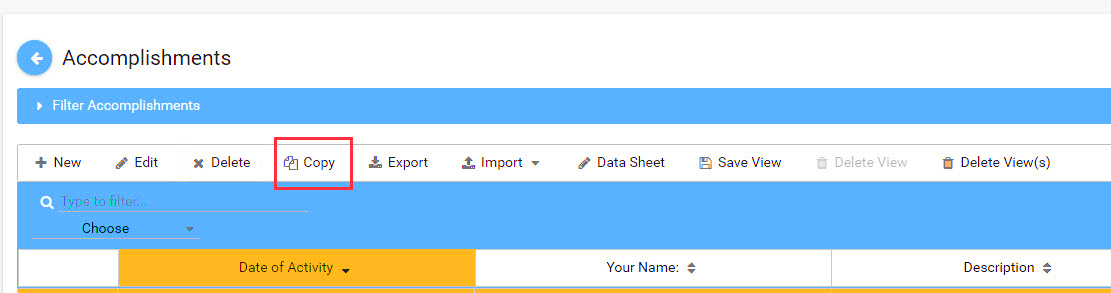
- Select Copy from the toolbar.
- Once the copied accomplishment listing is pulled up, simply update any relevant fields (e.g., date, number reached, etc.) and Save.